
Fast, Private File Sharing Across Phone & Computer
Send 4K videos, heavy files, and entire folders in seconds. Share offline over your local Wi-Fi with zero mobile data, or transfer anywhere worldwide with a simple 6-digit PIN. 100% private—no cloud storage used.
Not Just an App.
A Complete Tri-Platform Suite.
WiFiPlusPlus seamlessly bridges smartphones, workstations, and web browsers. Choose the right tool for your workflow with 100% peer-to-peer privacy and zero cloud file storage.
How WiFiPlusPlus Works Across All Devices
Pick your workflow below to see the exact step-by-step process for Mobile, Desktop PC, and Web.
PC-to-PC Gigabit Mesh with End-to-End Encryption & Chat
Launch WiFiPlusPlus Desktop on both computers
Install the lightweight Windows or Mac desktop app. Open the PC-to-PC tab. The app automatically spins up an ultra-fast local gigabit pairing server and generates a 6-digit room code.
Supercharge Your PC & Laptop.
Gigabit PC-to-PC Mesh, AES-256 Encryption & Live Chat.
Built with Electron 34 and modern low-level C++ socket bindings. Transfer massive multi-gigabyte project folders between computers, chat in real-time, and sync with your phone with zero cloud file storage.
Desktop Workstation Power
Native desktop software designed for fast local workflows. Connect PCs and laptops together for encrypted file sharing and live chat with zero cloud subscriptions.
Designed for Speed. Handcrafted for Privacy.
Experience seamless local file transfers, instant PC browser pairing, and end-to-end encryption. No cables, no mobile data limits.
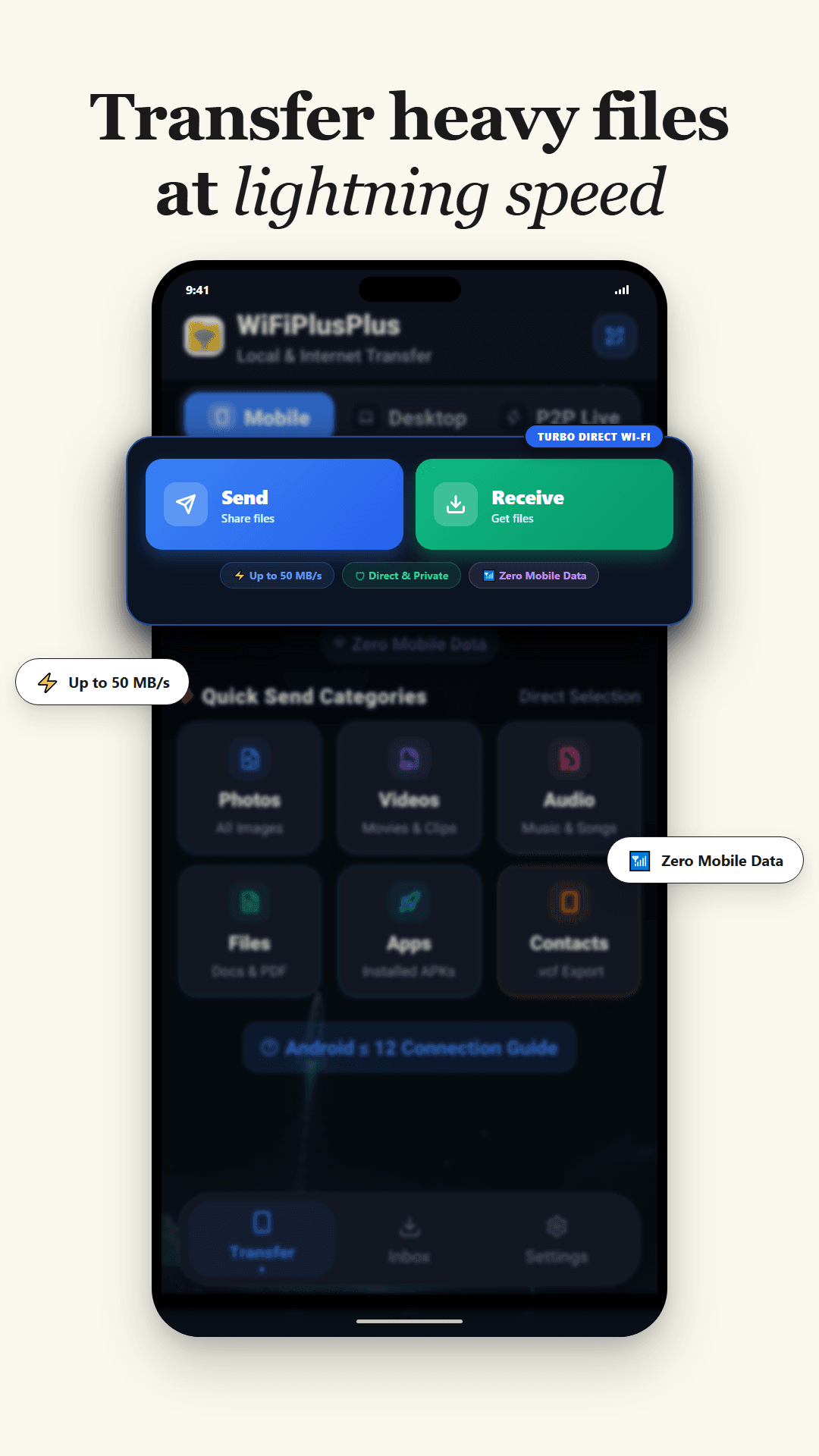
50 MB/s Hardware Speed. 0 MB Mobile Data.
Transfer heavy 4K videos, massive photo libraries, and large game APKs directly between devices through high-speed 5 GHz Wi-Fi Direct sockets. Operates completely offline with zero cellular data consumption.
Everything you need for seamless wireless sharing.
Designed from the ground up to eliminate cloud reliance, bandwidth fees, and slow transfer bottlenecks.
Simple, Transparent Pricing for Windows PC.
The Android Mobile App and Web Connect Hub are 100% free forever. Upgrade your Windows Desktop Workstation for heavy multi-gigabyte transfers, unlimited local PC networks, and priority internet sharing.
Free Workstation
Ideal for everyday casual file sharing between PC, phone, and laptop without sign-up.
- Up to 5 GB file transfer per item
- Connect up to 3 PCs on Local Network (LAN)
- Internet Transfer room up to 3 people
- Gigabit offline Wi-Fi & LAN speeds
- Zero cloud storage (Direct device-to-device)
- No account required (Guest mode instant access)
Personal Workstation
Ideal for power users transferring large 4K videos, heavy archives, and multi-PC setups.
- Up to 50 GB file transfer per item (4K RAW, big projects)
- Connect up to 25 PCs on Local Network (LAN)
- Internet Transfer room up to 10 people
- Verified Blue Tick Identity Badge (✓)
- High-Speed priority internet relay channels
- 100% Ad-Free experience across Desktop
- 100% One-time payment (No recurring debits)
Business Enterprise
Built for production studios, agency teams, and multi-office LAN networks.
- Unlimited file transfer size (No file size cap)
- Connect up to 250 PCs simultaneously on Local LAN
- Internet Transfer room up to 50 people
- Host Privilege Sharing (guests inherit high limits)
- Verified Blue Tick Identity Badge (✓)
- Dedicated high-bandwidth relay channels
- Priority 24/7 technical support
- 100% One-time payment (No recurring debits)
What’s new in WiFiPlusPlus
Latest official build highlights and performance improvements.
Initial Production Release
Get WiFiPlusPlus for all your devices.
Choose your device below. From high-speed native Android Wi-Fi Direct and dedicated Windows Desktop software to zero-install browser Web Connect.
SHA-256 Verified
Clean Keystore Signature & Free of Trackers
Cross-Device Support
Android 7.0–15+, Windows 10/11, macOS, Linux
Lightweight Footprint
Native Rust & Kotlin high-concurrency engine
Clear answers to all your questions.
Learn how WiFiPlusPlus guarantees privacy, speed, and cross-platform flexibility across Mobile, Desktop, and Web.